
Ask CultureAI where your team already works.
Message CultureAI in a Teams chat or mention it in a channel. It answers from your company's record, starts the work as a job, and reaches you in Teams without waking you up at night. Two teammates live there: @CultureAI answers from the record, and @Denzel, our AI employee, does the work.
@CultureAI what's waiting on me this week?

From your company only:
- Readings due1
- Drafts waiting for your yes1
- On-time visit ratebehind
Send me the Monday brief too.
Off the clock? It waits for your quiet hours to end.
- Answers in
- Direct messagesAsk what's waiting on you
- ChannelsOnly when it is mentioned
- Monday morningA short brief
It works for you, not on you.
Tag @CultureAI in Teams like a coworker. CultureAI sets the objectives, and @Denzel finishes the key results, with your yes on every step.
Ask in the chat, answered from the record.
A new app is one more place to check. People already live in Teams, so goals, readings and the office numbers get asked about in chat anyway, and answered from memory.
- Message it
A direct message, or mention it in a channel.
- Routed by tenant
Each message goes to the company whose Microsoft tenant it came from.
- Answers from the record
Goals, readings due and drafts waiting, from your company only.
- Starts the work
Attach a report and the employee works on it, answering in the same chat.
The same record, in the app and in Teams.
A sample company with made-up people.


It waits for the morning.
CultureAI reaches you in Teams, on your hours, not its own.
Messages wait until your quiet hours end. Each person sets their own.
Held, not droppedUrgent messages go through, so nothing that matters waits.
Urgent goes throughQuestions.
Which companies can use it today?
The Culture companies. Another company is added only after its owner and its Microsoft admin approve it.
Will it message me at night?
No. Messages wait until your quiet hours end. Urgent ones go through.
Does it read our Teams chats?
It reads only messages sent to it: a direct message, or a channel message that mentions it.
Trust and security.
What it keeps apart, what it writes down, and what it never reads. The whole picture is on Security.
- One company per answerA tenant a company approved is answered only inside that company and the companies under it.
- Admin consentA company’s Microsoft admin approves it, and the approval is recorded.
- Revoked, never deletedA tenant can be revoked at once and the bot stops answering it. The record of it stays.
- Nothing said is kept in logsWhen a message does not fit, the log names the field that failed, never the words.
Related products.
Every product runs on the same platform. See every product.
 The AI employeeDenzel by CultureAIThe AI employee for healthcare teams. CultureAI sets the objectives, Denzel does the work.See the product
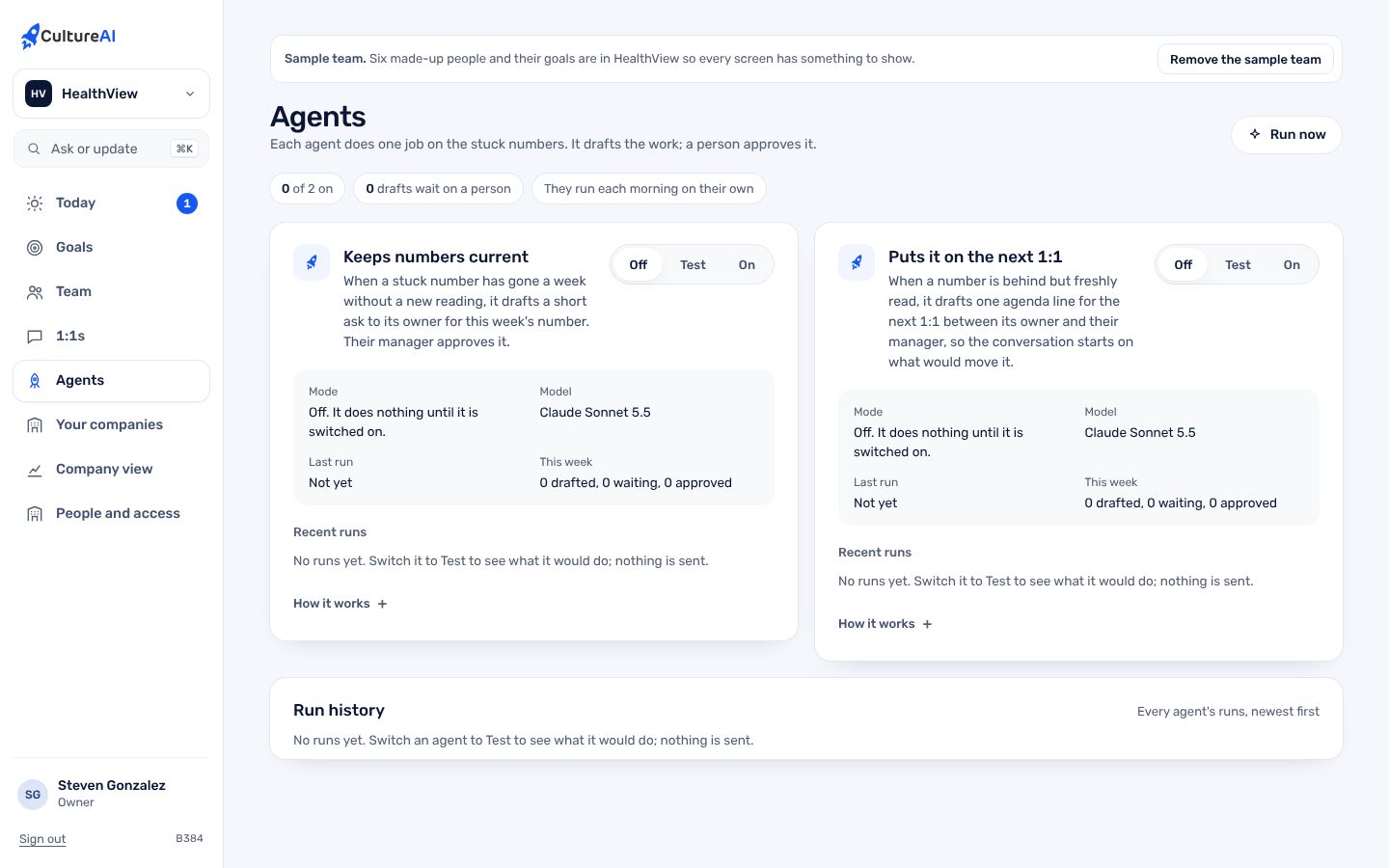
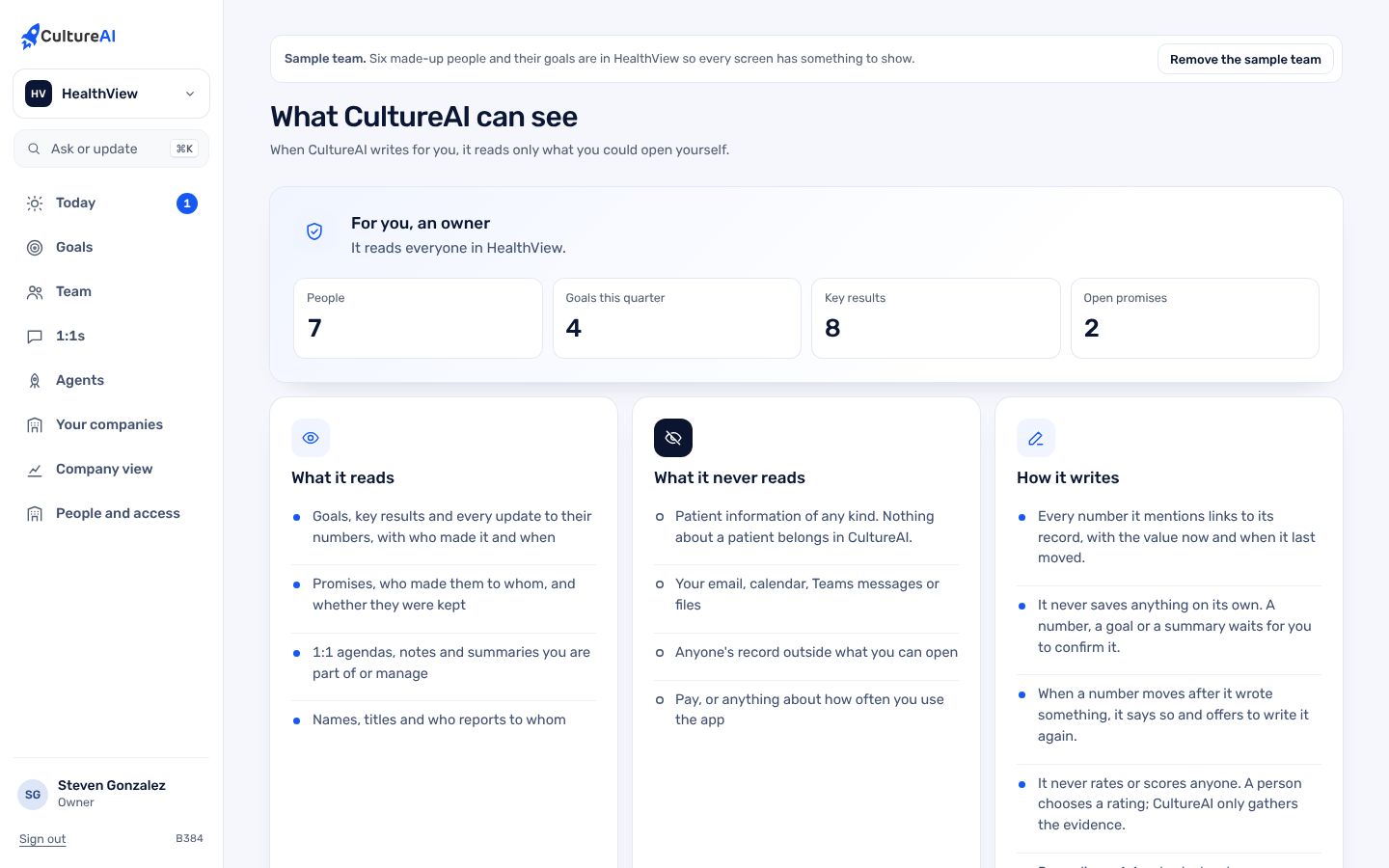
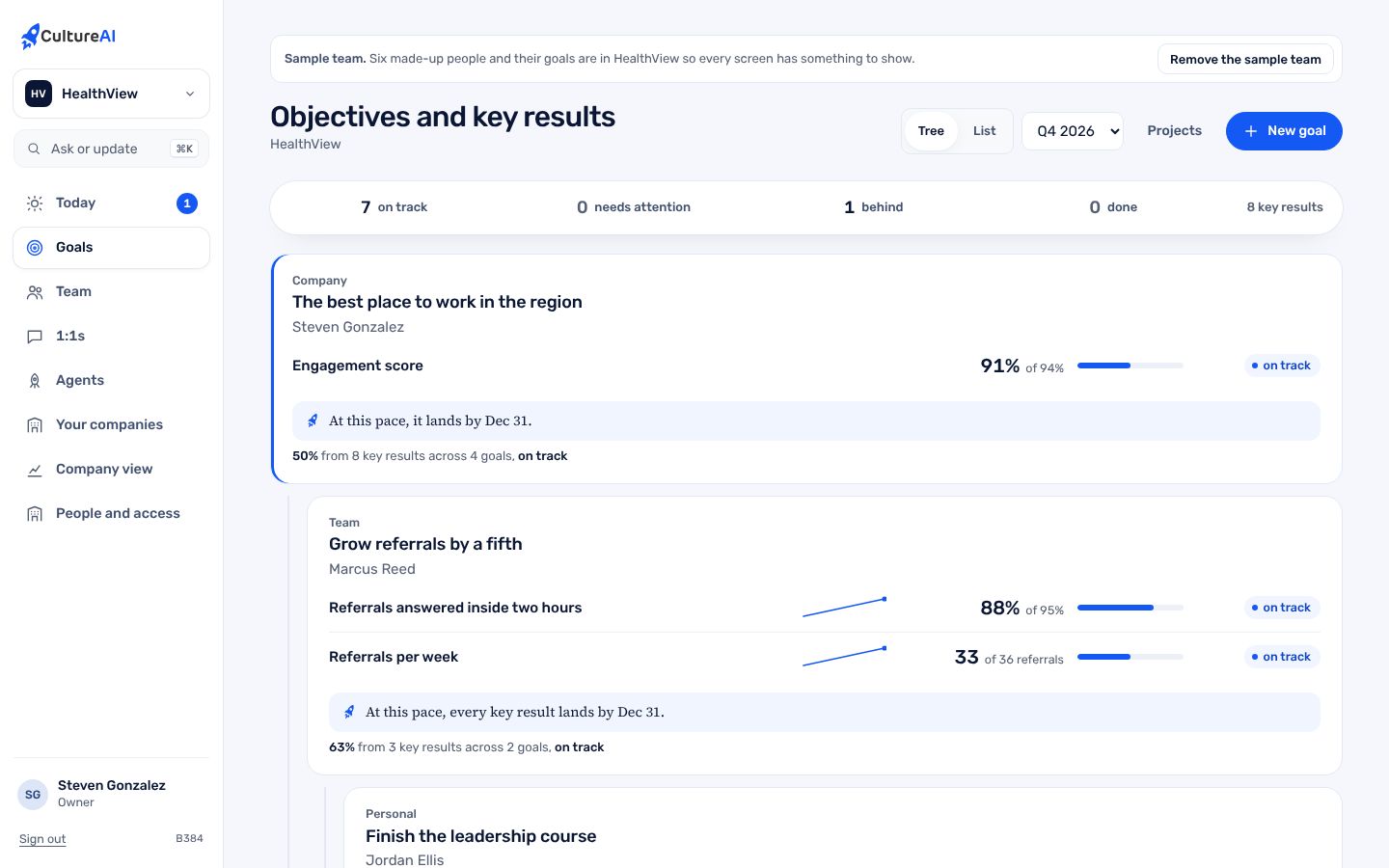
- For teamsThe OKR appGoals, 1:1s and promises, run by a coworker that asks before it acts.See the product
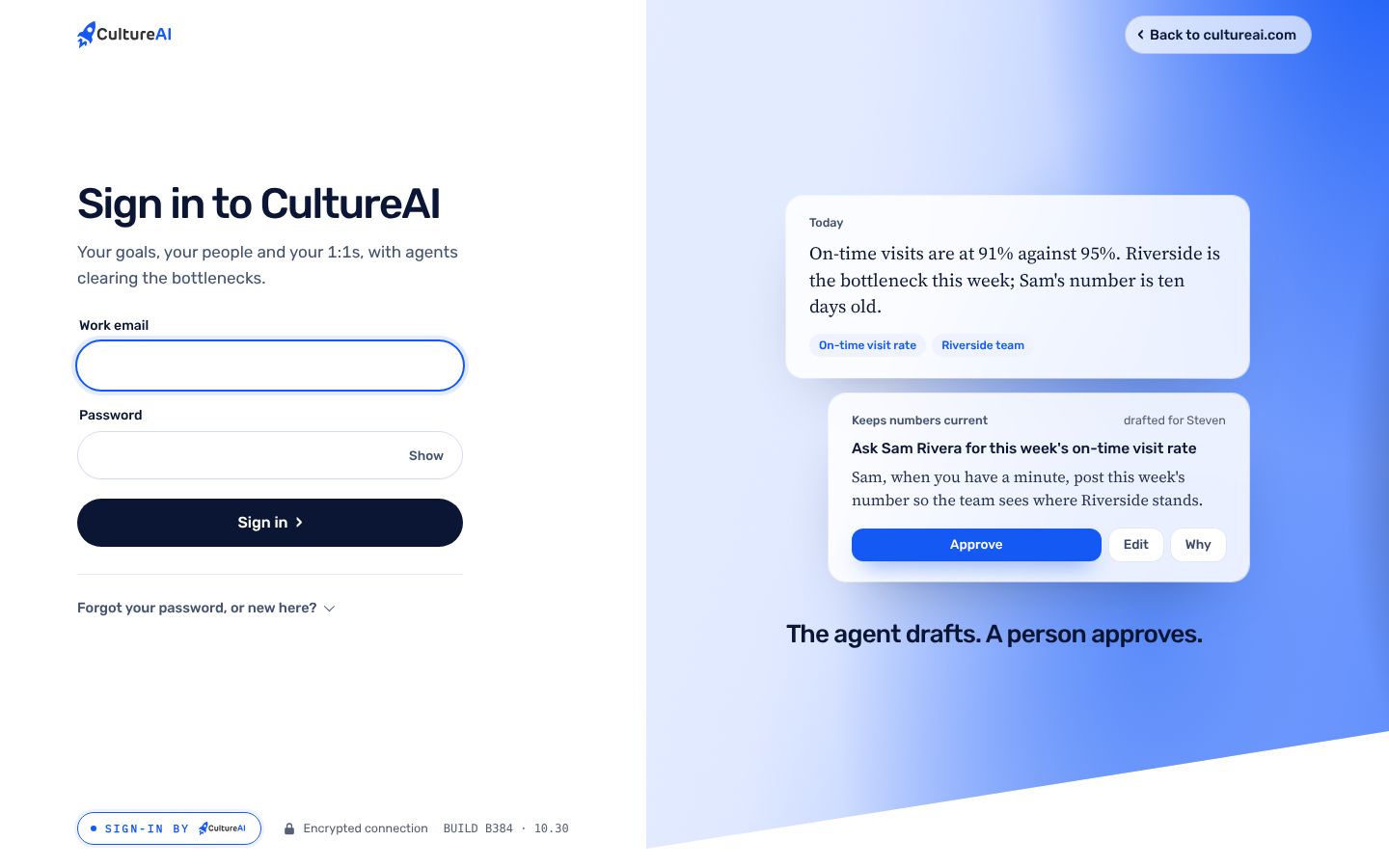
- One identitySign-in by CultureAIOne account across the Culture sites and the app. The sites never see a password.See the product
 The AI employeeDenzel by CultureAI
 For teamsThe OKR app
 One identitySign-in by CultureAI
How to get it.
CultureAI is not for sale. It is installed in every company we build or back, and The Culture Group's companies come first. Each company gets it inside its own walls, set up with the rest of the platform.
Say aloha